Holiday Card Photos With a Phone: The Gear Worth Buying
As an Amazon Associate I earn from qualifying purchases.
For a holiday card photo with a phone, buy one thing first: a phone tripod with a Bluetooth remote, one of the least expensive pieces of gear on this list. It puts everyone in the frame and lets you shoot dozens of tries. A reflector and a small soft light help next. Below: what each piece fixes, and where to stand.
I photograph families for a living with a Leica M11, but most holiday cards are printed small. A modern phone has more than enough detail for a 5x7 card. What a phone family photo usually lacks is not resolution. It's a steady camera, a parent who is actually in the picture, and good light on faces.
Why Is a Tripod With a Remote the First Thing to Buy?
A tripod solves the two problems that ruin most phone holiday cards: one parent is always missing, and the photos are tilted or blurry. With the phone locked in place, every frame matches, so you can pick the one where all the kids are looking.
The remote is what makes it work with children. A self-timer gives you one shot, then someone runs back. A remote in your hand lets you fire the moment the toddler looks up, without anyone noticing.
A phone tripod with a Bluetooth remote is a solid option for most families. Look for three things:
- Height: at least 50 to 60 inches extended, so the phone sits near adult eye level.
- A real phone clamp that holds your phone sideways and upright.
- A remote that pairs once and stays paired, with a spare battery in the drawer.
If you'd rather carry something smaller, a selfie stick tripod folds into a coat pocket. It is shorter and wobblier in wind, so use it on flat ground and keep the phone low.
Where Should You Take a Holiday Card Photo at Home or Outside?
Light matters more than any gear on this list. The best spot is usually the simplest: faces turned toward a big window, or open shade outdoors in the hour before sunset.
Indoors, stand the family a few feet from a large window with the light falling across their faces, and put the phone between them and the window. Turn off overhead bulbs if they make skin look yellow next to the daylight. Bright sun pouring straight in is too harsh; a sheer curtain softens it.
Outdoors, pick open shade: the shadow side of a building, or under trees with sky in front of you. That even light keeps kids from squinting. My guide to natural light for portraits goes deeper on reading light, and choosing a photo location covers backgrounds.
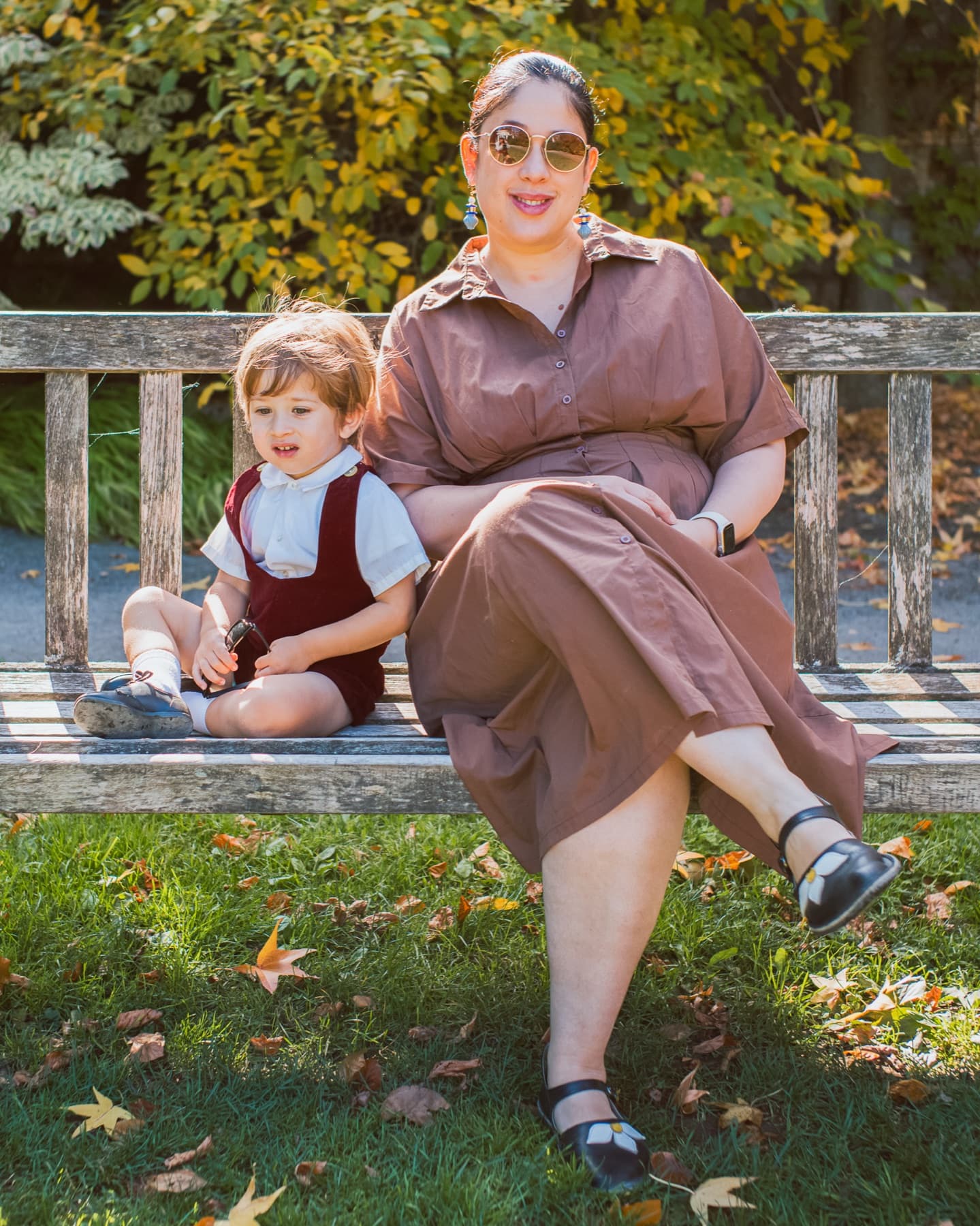
That is a family I photographed at Untermyer Park in Yonkers. Notice the even light on both faces and the soft trees behind them. You can find that kind of light in most yards and parks.
Do You Need a Reflector or a Light for Phone Photos?
You need one only if faces look dark or shadowed in your test shots. Try the tripod and the window first. If the side of a face away from the window goes gray, add a reflector. If you are shooting after dark, add a light.
A reflector for daylight
A 5-in-1 collapsible reflector bounces window or sky light back into the shadow side of faces. Use the white or silver side, held low and to the side opposite the window. An older child can hold it, or prop it against a chair. A 32-inch size is plenty for a family on a sofa.
The gold side is usually too warm for skin next to red sweaters, so skip it for holiday cards.
A soft light for evenings by the tree
Tree lights look lovely but are far too dim to light faces. A small LED video light panel set to a warm color, bounced off a white wall or ceiling, fills the room softly while the tree still glows. Pointing it straight at faces gives harsh shadows, so bounce it.
A ring light with a phone holder works for one or two people close up. For a whole family it is too small and leaves a bright ring in everyone's eyes, so it's the weaker choice for this job.
Which Phone Camera Settings Make the Biggest Difference?
The gear holds the phone; a few settings decide whether the photo is sharp and printable. Every phone names these a little differently, so check your camera app.
- Clean the lens. A thumbprint smear is the most common cause of hazy phone photos. A microfiber lens cloth in the tripod bag fixes it.
- Use the main camera, not the front one. The rear camera is sharper. The remote is why you don't need to see yourself.
- Turn on the grid to keep the horizon and the sofa level.
- Tap to focus on a face, then lower the exposure slightly if the window looks blown out.
- Shoot lots of frames. With kids, the keeper is usually one of many. Burst or simply tapping the remote again and again both work.
- Leave portrait mode off for groups. Background blur often smudges the edges of hair and ears when there are several people at different distances.
For printing, here's the arithmetic: a 5x7 card at 300 pixels per inch needs 1,500 by 2,100 pixels. Phones shoot far more than that, so you can crop. Just leave room around everyone, because card templates trim the edges.
How Do You Get Kids to Look at a Phone on a Tripod?
Put the phone at the kids' eye level, not the adults'. Then give them a reason to look at it: a parent standing right behind the tripod making noise, or a small toy taped above the lens.
Keep it short. Ten minutes of trying beats forty minutes of tears. Plan outfits before the day so nobody is changing mid-session; my Christmas photoshoot outfit ideas has simple palettes that work at home and outside.
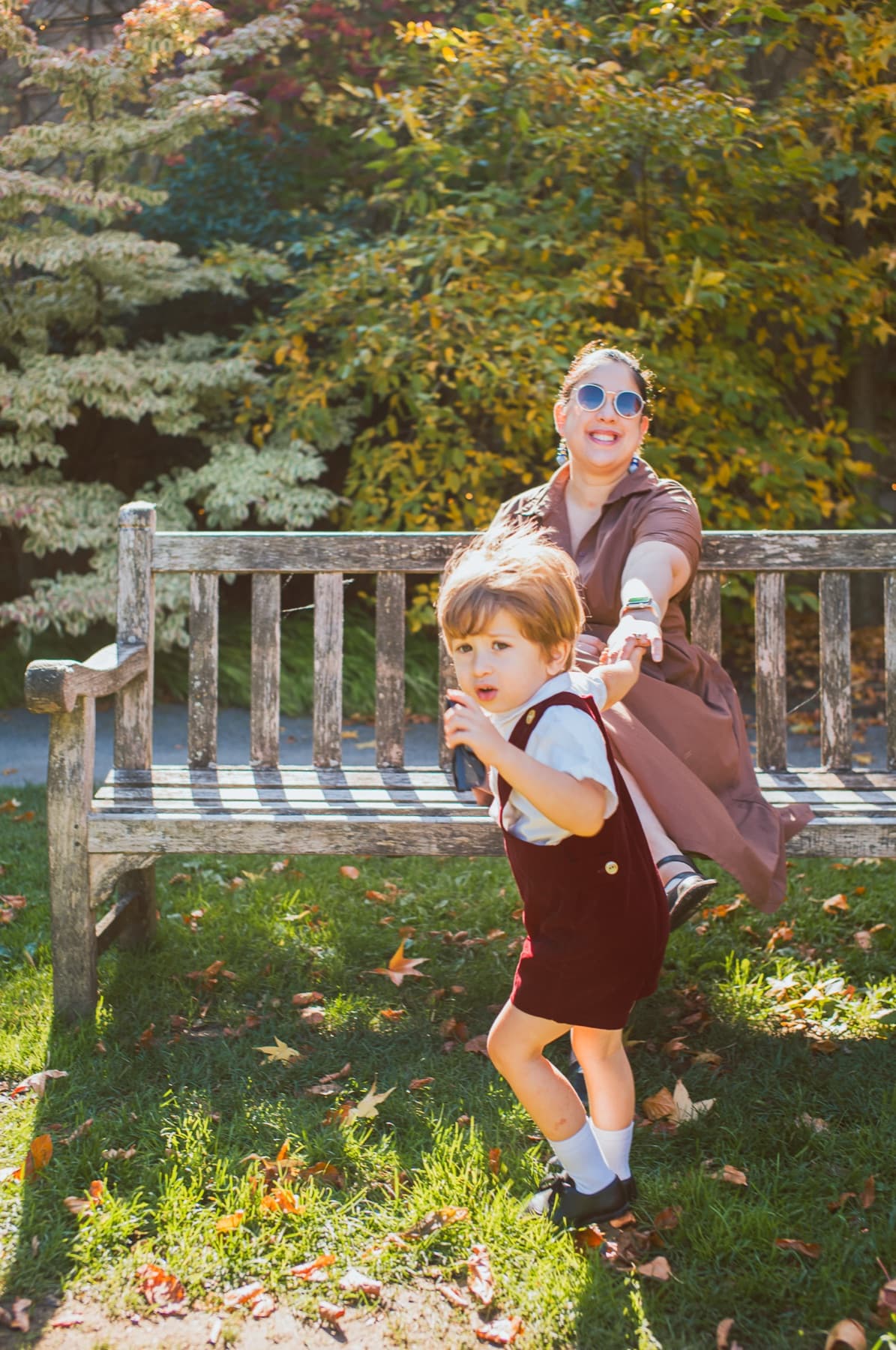
The in-between moments are often the card. Keep shooting when someone laughs or tugs a sleeve.
When Is Booking a Photographer the Better Choice?
A phone and a tripod are honestly enough for a lot of cards. Booking a pro makes more sense when you want everyone in the photo without managing a remote, when you have more than one small child, or when you want a decorated set without building one in your living room.
Here's what I offer this season, from the live holiday card photos page:
| Session | Price | Time | Where | Images |
|---|---|---|---|---|
| Christmas Family Mini | $129 | 20 min | Outdoors, park, no set | 3 retouched |
| Christmas Studio Set Day | $229 total | 20 min | Indoors, decorated set in Yonkers | 5 retouched |
| Family Portrait Session | $249 | 1 hour | Outdoors, Riverdale and nearby parks | 10 retouched |
The studio set day is in a rented holiday studio in Yonkers, with two sets to choose from, Red & Gold or White Winter. The open date is listed on the Christmas minis page. Outdoor sessions happen around Riverdale and Van Cortlandt Park in the Bronx and in lower Westchester. If you want a full hour and more images, see family portraits, or go straight to booking.
FAQ
What's the cheapest gear that makes the biggest difference? A phone tripod with a Bluetooth remote. It gets the whole family into the frame and keeps every shot steady. It is also one of the cheapest pieces of gear on this list.
Is a phone good enough for a printed holiday card? Yes. A 5x7 card needs about 1,500 by 2,100 pixels, and modern phones shoot well beyond that. Light, focus and a clean lens matter far more than the camera.
Should I use a ring light for a family photo? Usually not. A ring light suits one or two faces close up. For a group, a bounced LED panel or a big window spreads light more evenly.
What time of day is best for outdoor holiday photos? The hour before sunset, in open shade. Midday sun makes kids squint and puts hard shadows under eyes.
How long is a Christmas mini session with you? Twenty minutes, either outdoors for $129 or on the decorated Yonkers studio set for $229 total. The holiday card photos page has both.
Explore NYC Headshot Services
Sessions from $95, booked as little as two days ahead.