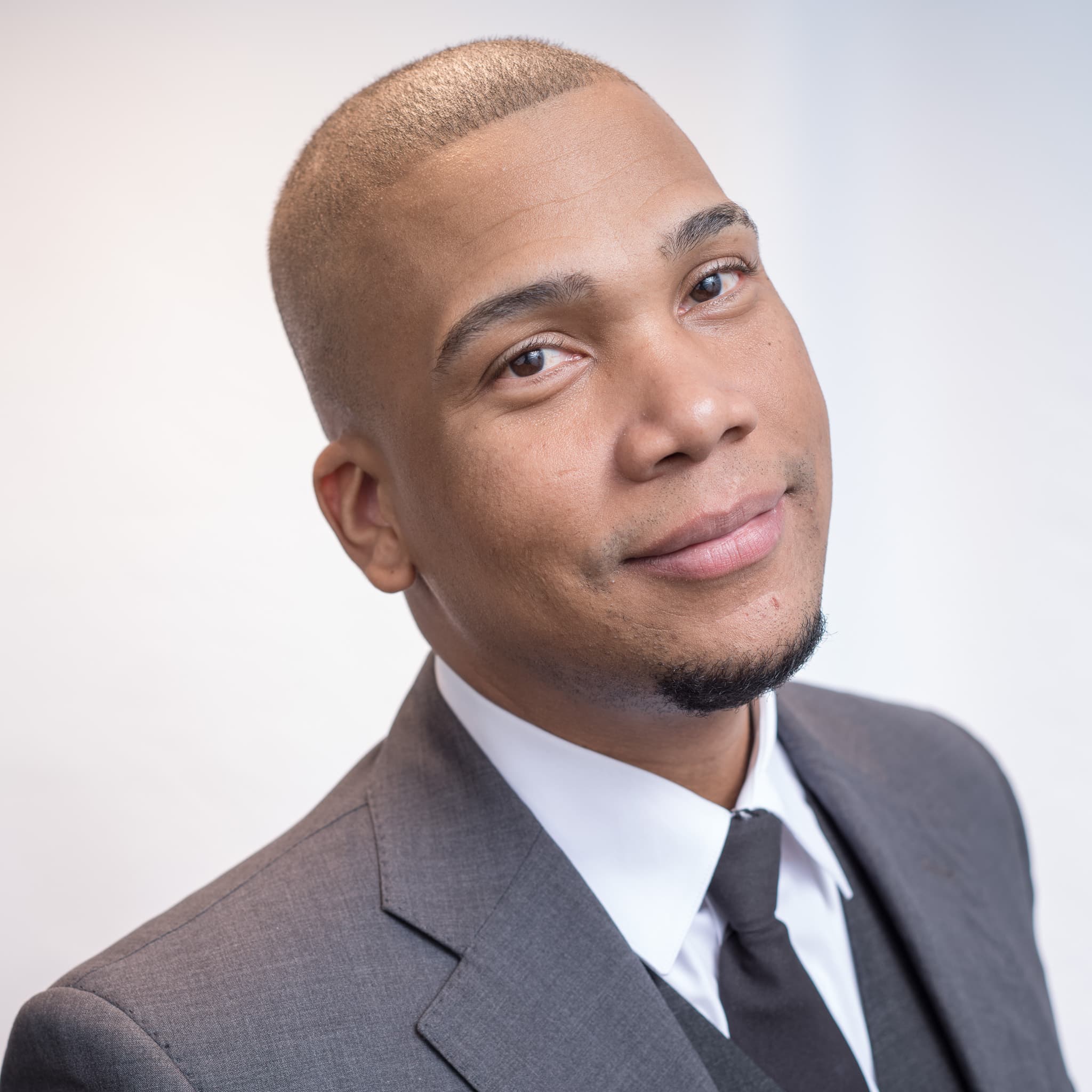
 Style preview · not a client photo
Law Firm Website Photography: Team, Office and Environmental Portraits
A law firm website needs four kinds of photos: matching attorney bio headshots, environmental portraits, team photos, and office and detail shots. Headshots carry the bio pages; the rest fill the homepage and practice pages. Here's what each does and how to plan the day.
Key takeaways
- Bio headshots come first. Every attorney page needs one, and they all have to match.
- Environmental portraits and office shots fill the homepage and practice pages, where a cropped headshot looks thin.
- Plan the shot list by web page, not by person, and you'll know what each photo is for.
- One weekday at the office can cover the headshots. Plan the rest of the list around it.
The Four Kinds of Photos a Law Firm Website Uses
Most firm sites are built from the same few templates: a homepage, an About or Firm page, practice-area pages, attorney bios and a contact page. Each one asks for a different kind of image.
Bio headshots are the head-and-shoulders portraits on each attorney page and in the people grid. Environmental portraits show an attorney in a real setting, like a library, a window or a conference room, with room around them for a headline.
Team and group photos show the practice as people who work together. Office and detail shots show the place itself: the reception area, a conference room, a shelf of case files, hands on a document.
A firm that only has headshots ends up stretching one face across a wide homepage banner. That is the gap the other three fill.
What Each Photo Does on the Site
Before you book anything, map photos to pages. This table is the shot list I'd start from for a small or mid-size firm.
| Photo type | Where it goes on the site | What it tells a visitor | Plan for |
|---|---|---|---|
| Bio headshot | Attorney pages, people grid, bar and directory profiles, LinkedIn | Who they'll actually talk to | One per attorney and paralegal, all matching |
| Environmental portrait | Homepage banner, About page, practice-area headers | This is a real firm in a real office | Two or three, in landscape with space for text |
| Team or practice-group photo | About page, careers page, practice pages | The people work together | One per practice group, plus the whole firm |
| Office and detail shots | Contact page, section breaks, blog headers | What it's like to walk in | A handful of wide and close-up frames |
Notice the shapes. Headshots are usually square or a tall 4:5. Banners and headers are wide. If you shoot only tall frames, a designer has nothing to put across the top of the homepage.
Attorney Bio Headshots Have to Match
Bio headshots do the heaviest lifting. A prospective client reading a practice page clicks through to the attorneys, and the headshot is the first thing they judge. In a people grid, one photo with a different background or light makes the whole page look patched together.
So the rule is consistency: the same background, the same framing, the same light and the same editing for everyone. My headshots for lawyers page covers wardrobe, backgrounds and bio-page crops. The attorney headshot style guide goes deeper on suits, shirts and ties.
Partners often need the same photo to work on the firm site, a bar or directory profile and LinkedIn. Directory rules change, so check your directory's current spec before the shoot. The partner headshot and directory pairing guide walks through using one session for all three.

Environmental Portraits Show Where the Work Happens
An environmental portrait is a portrait with the setting left in: a partner by a window in the library, an associate leaning on a conference table, a managing partner at the reception desk. The person is still the subject, but the room says something too.
On a website these do the jobs a headshot can't. They fill a wide banner, they sit behind a headline, and they make the About page feel like a place rather than a list.
Three things make them work:
- Leave space. Frame the person to one side so a designer can put text over the empty side.
- Use the real office. Bookshelves, glass walls and windows look better than a generic stock-photo lobby.
- Keep wardrobe consistent with the headshots, so the same attorney looks like the same person on two pages.
Plan for two or three of these, usually the name partners or practice leaders.
Team and Group Photos Need a Plan for the Room
Group photos are mostly a logistics problem. You need a room big enough to stand everyone without anyone hiding behind a shoulder, light that reaches the back row, and a time when the whole group is actually in the office.
Two options work well. A formal group stands in rows in the reception area or the largest conference room. A working group sits around a conference table looking at documents, like the frame above, which reads as a team without anyone posing.
For a practice-group page, a working group usually suits the page better. For the careers page, a whole-firm photo shows prospective hires the size of the place.
If some people can't make the date, decide in advance whether the group shot waits or goes ahead without them. Headshots are easier to patch later. My guide to keeping team headshots consistent as people join covers new hires.
Office and Detail Shots Fill the Gaps
Office and detail shots are the photos with no faces, or only hands. A wide frame of reception, an empty conference room in morning light, a row of bound case files, a pen on a signature page.
They're useful in places where a face would feel wrong. A contact page, a section break between practice areas, a blog header or a background behind a quote.
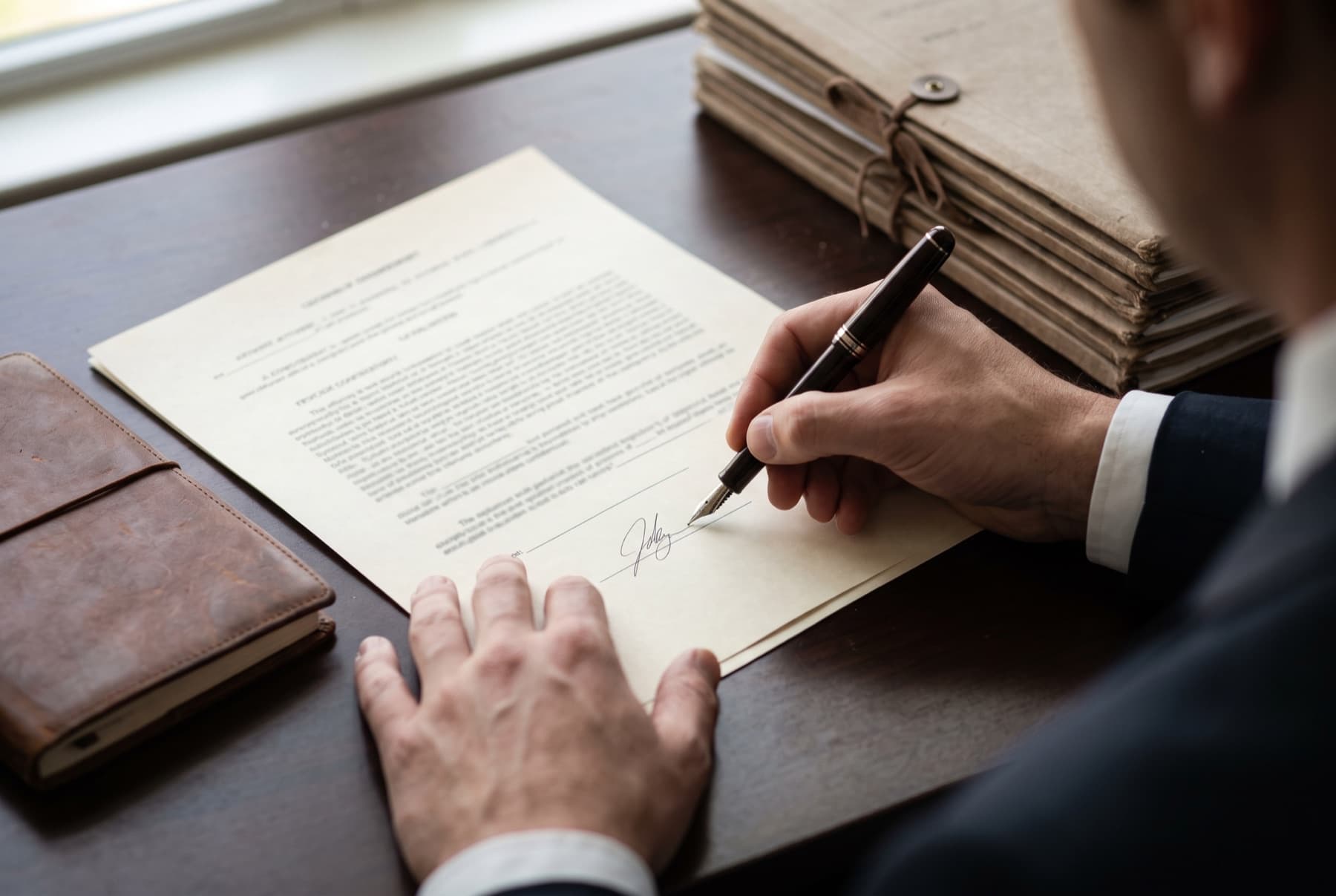
Two cautions. Keep real client documents out of the frame, and make sure no paper has readable names, case numbers or letterhead on it. And if a staged scene could be read as a real client matter, run it past whoever handles your firm's advertising compliance.
How to Plan One Shoot Day at the Firm
A single weekday at the office can cover the headshots, and you can plan the rest of the list around it. Here's how I'd plan it.
- Write the shot list by web page. Go page by page through the site and note which photo goes where, using the table above.
- Pick the rooms. One quiet room or corner for headshots, the biggest room for the group, and one or two spots with character for environmental portraits.
- Schedule headshots in slots. On my team days each person takes about 5 to 10 minutes, so people step out of their day in turns. The team headshot day prep guide has a sample schedule.
- Put the group photo when everyone is in. Late morning, after the first meetings, often works.
- Send wardrobe notes a week ahead. Solid colors, no logos, and a second jacket or blouse for anyone doing an environmental portrait. A list of what not to wear saves a lot of questions.
- Clear the rooms. Remove name plates, screens, whiteboards and anything confidential from every frame.
Say a 12-person firm books a headshot day. At $99 per person that's $1,188, with two retouched headshots each.
What Fuentes Studio Covers, and What to Ask About
To be clear about what I sell: my products are headshots. For a firm, that's an on-site team headshot day, at your office in the Bronx or lower Westchester on a weekday, morning or after work. It's $99 per person with a $495 minimum that covers up to five people, with two retouched headshots each. Larger days start at $1,495.
Individual attorneys can book a headshot for their bio page on their own: an Outdoor Headshot ($149) in Riverdale or Van Cortlandt Park, or a Studio Headshot ($199) indoors in Riverdale for a plain background. Both are 30 minutes with three retouched images. LinkedIn headshots use the same sessions.
I don't sell office photography or environmental-portrait packages. If your shot list goes beyond headshots, ask when you book a team day, and we'll talk through what's possible. I'm based in Riverdale and work across the Bronx and Westchester. Pick a date on the booking page.
FAQ
What photos does a law firm website need besides headshots? Usually environmental portraits for the homepage and About page, a team or practice-group photo, and office and detail shots for contact pages and section headers. Map each photo to a page before the shoot so nothing is shot without a place to go.
Should law firm headshots all have the same background? Yes. Matching background, framing, light and editing is what makes a people grid look like one firm. My guide to choosing a headshot background covers the options.
How long does an on-site headshot day take? About 5 to 10 minutes per person. A five-person practice takes under an hour, and people come in staggered so nobody waits around. The team headshots page has pricing by team size.
Do you photograph offices and environmental portraits? My products are headshots, individual and on-site team days. For anything beyond headshots, ask when you book a team day and we'll talk through what fits your shot list.
Explore NYC Headshot Services
Sessions from $95, booked as little as two days ahead.